Xoro HRM 8760 CI+ Benutzerhandbuch
Seite 60
Advertising
24
9 INSTALLATION
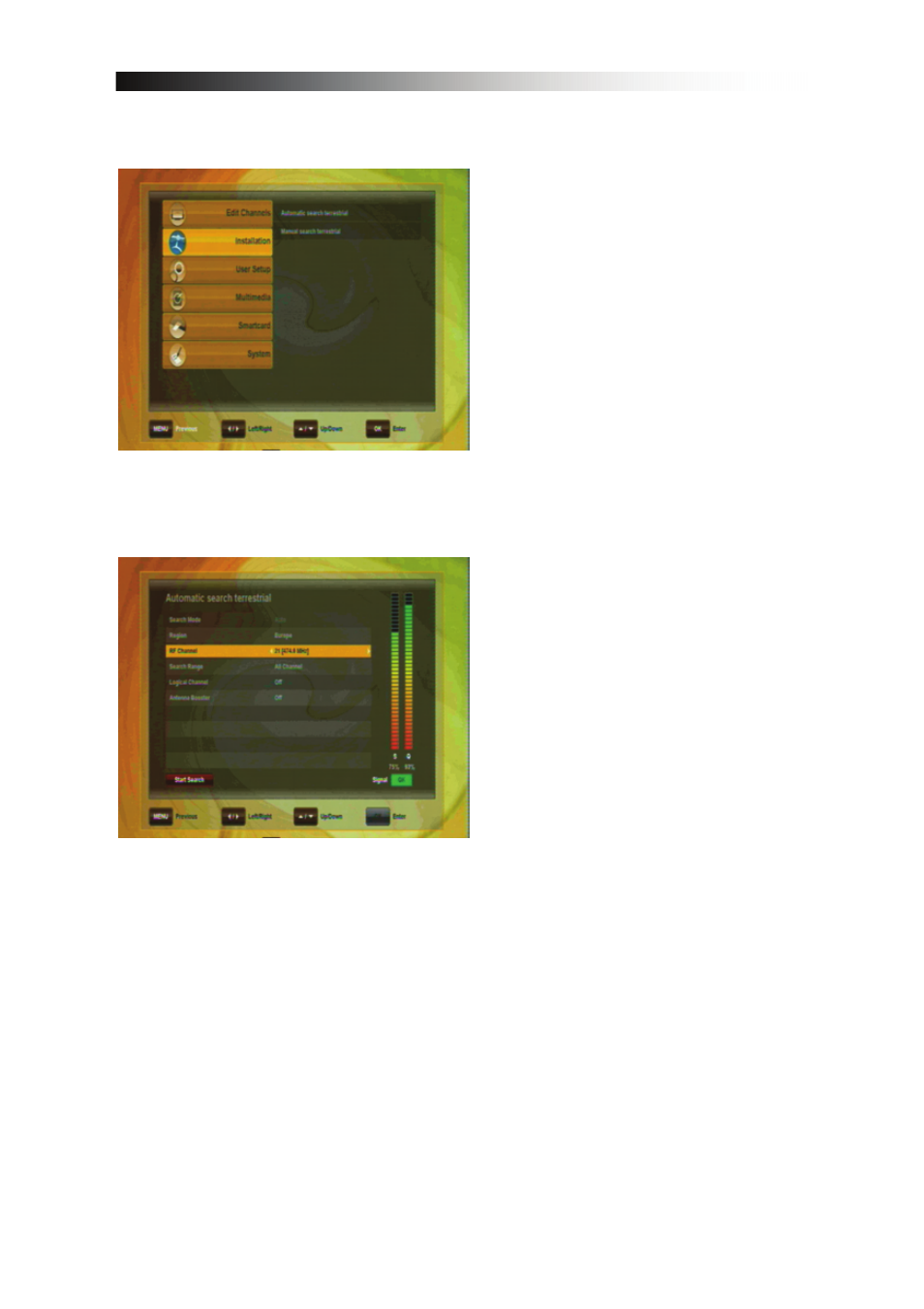
This menu contains following
items:
•
Automatic search terrestrial
•
Manual search terrestrial
•
Automatic search Cable
•
Manual search Cable
You have two options for the Search
of channels.
If you know the parameters of the
channels, choose Manual Search and
choose the according RF
channel/Frequency.
Otherwise please use the Automatic
Search in which all Frequencies are
scanned.
Begin the Channel Scan with the RED
key.
•
RF Channel: When undertaking a manual Scan, choose the RF channel you
want to search on with the navigation keys LEFT and RIGHT.
•
Antenna Booster: If you have connected an active antenna that requires 5V
Power supplied by the receiver, choose “on”, otherwise choose “off” (DVB-
T/T2 only).
Advertising