Please switch on the unit when connecting to pc – Lenco DPA-800 Benutzerhandbuch
Seite 10
Advertising
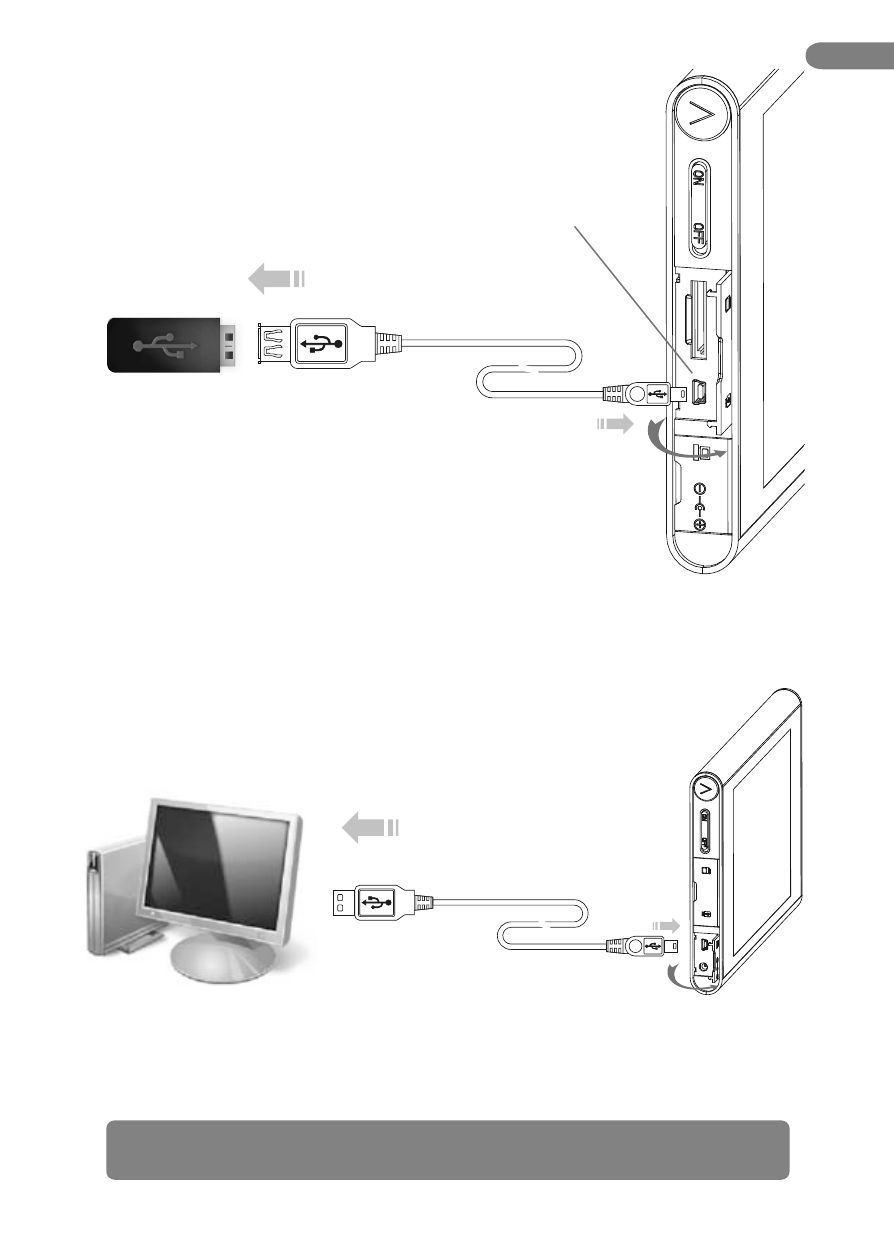
Connecting USB Flash Memory
Connecting With PC
USB Flash Memory Port
1. Open memory card slot and USB port cover.
1. Open PC USB slot cover.
2. Connect USB flash memory with USB cable, plug
in the another side according the arrow showed
on right.
2. Connect USB jack with PC, and plug in the cable according the arrow.
* Please switch on the unit when connecting to PC
EN
10.
Advertising