Delete all content from driver – Lenco DPA-800 Benutzerhandbuch
Seite 23
Advertising
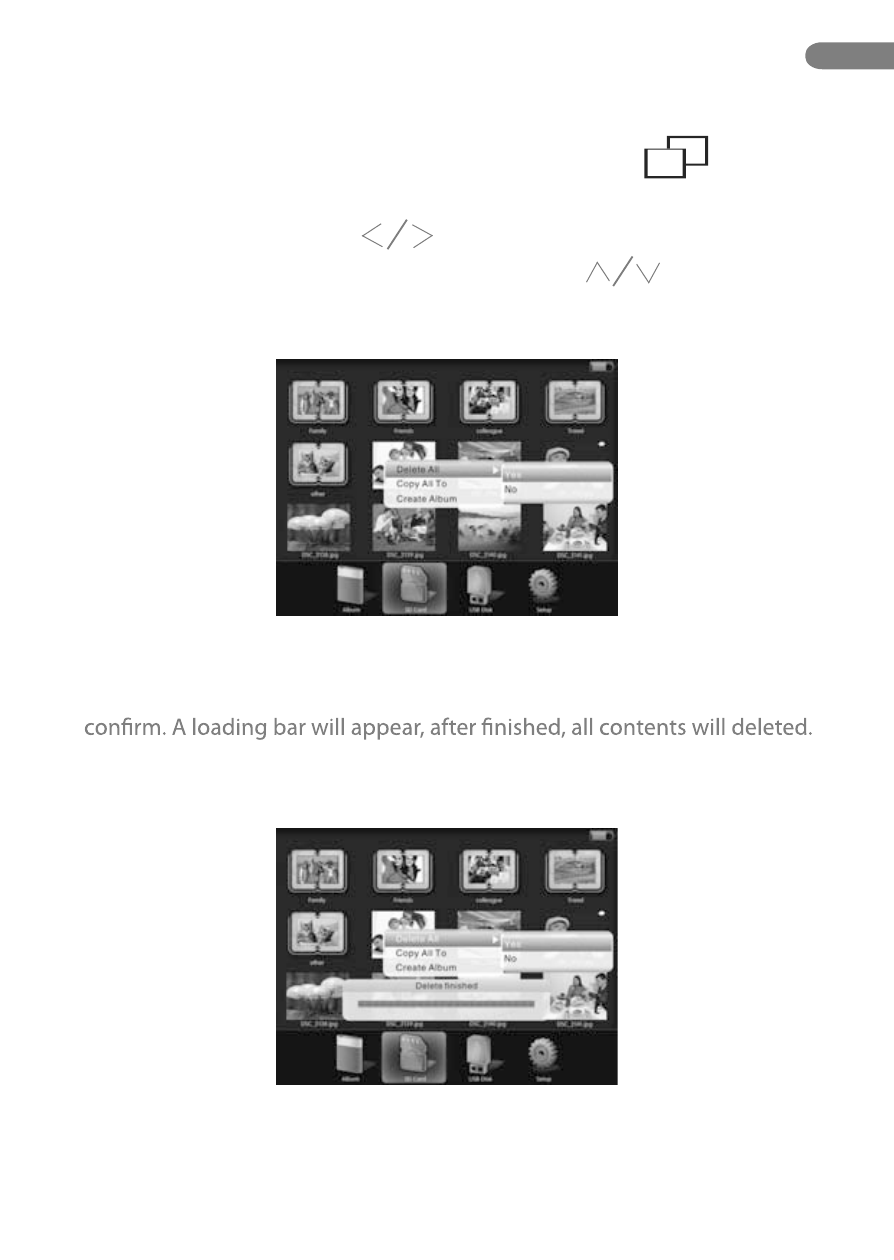
Delete All Content From Driver
* This function only able to use in main display. Press “ ” button to
return back to main display.
1. Under main menu, press “ ” button to select the driver .
3. To delete all the contents, select “Yes” option and press “OK” button to
Select “No” to cancel.
2. Press “M” button to display the menu, and press “ ” to choose “Delete
all” option, and press “OK” button to display subordinate menu.
EN
23.
Advertising