Setup, Language setup brightness setup – Lenco DPA-800 Benutzerhandbuch
Seite 24
Advertising
Englis h
Italia
Deu s ch
Franç ais
Españ ol
Portu guês
Nede rlands
Setup
Language Setup
Brightness Setup
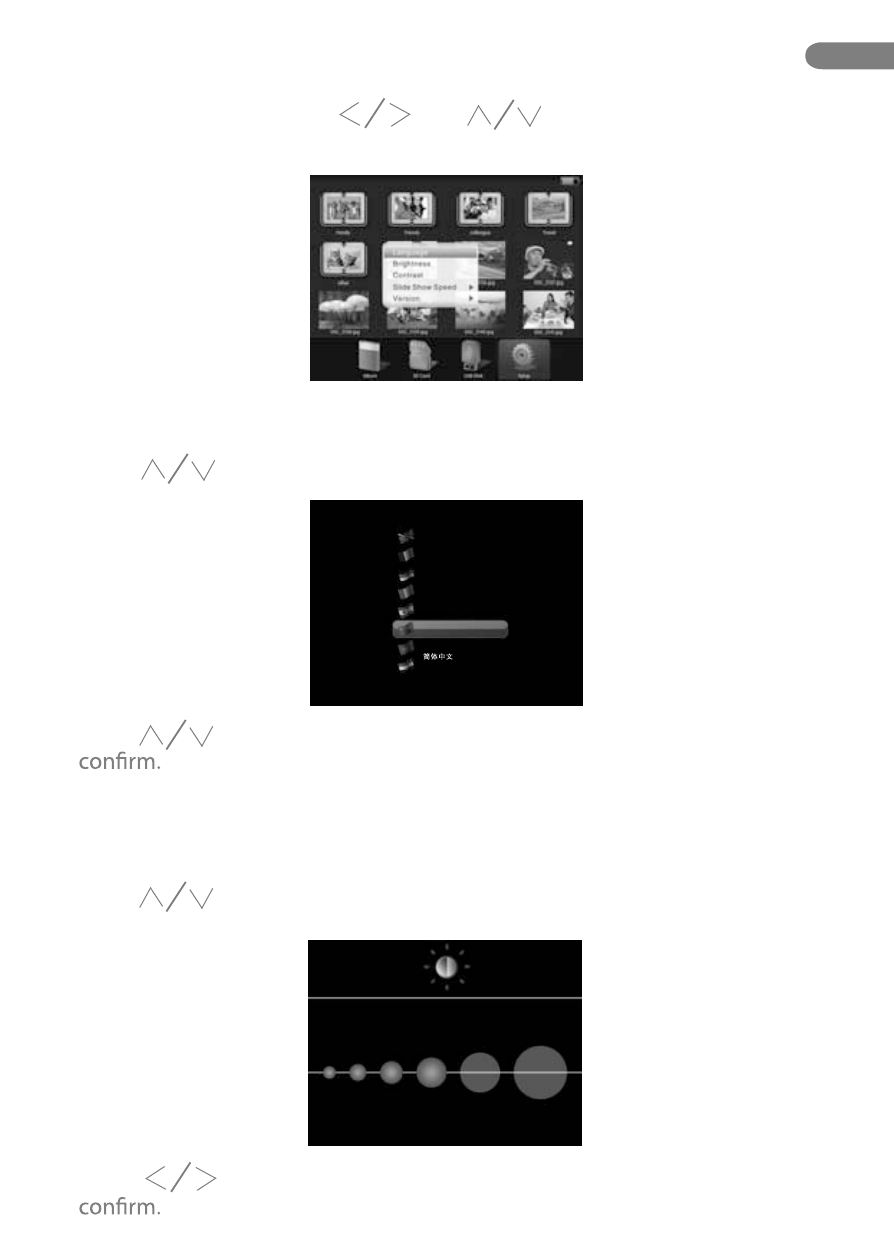
Under main menu, press “ ” or “ ”and select “Setting” option,
and press “M” button to diplay the menu.
Press “ ” and select “Language”, and press “OK” button.
Press “ ” and select “Brightness”, and press “OK” button to enter into
display of brightness setup .
Press “ ” to select your prefered language, and press “OK” button to
Press “ ” button to adjust the brightness, and press “OK” button to
EN
24.
Advertising