Contrast setting slideshow speed version – Lenco DPA-800 Benutzerhandbuch
Seite 25
Advertising
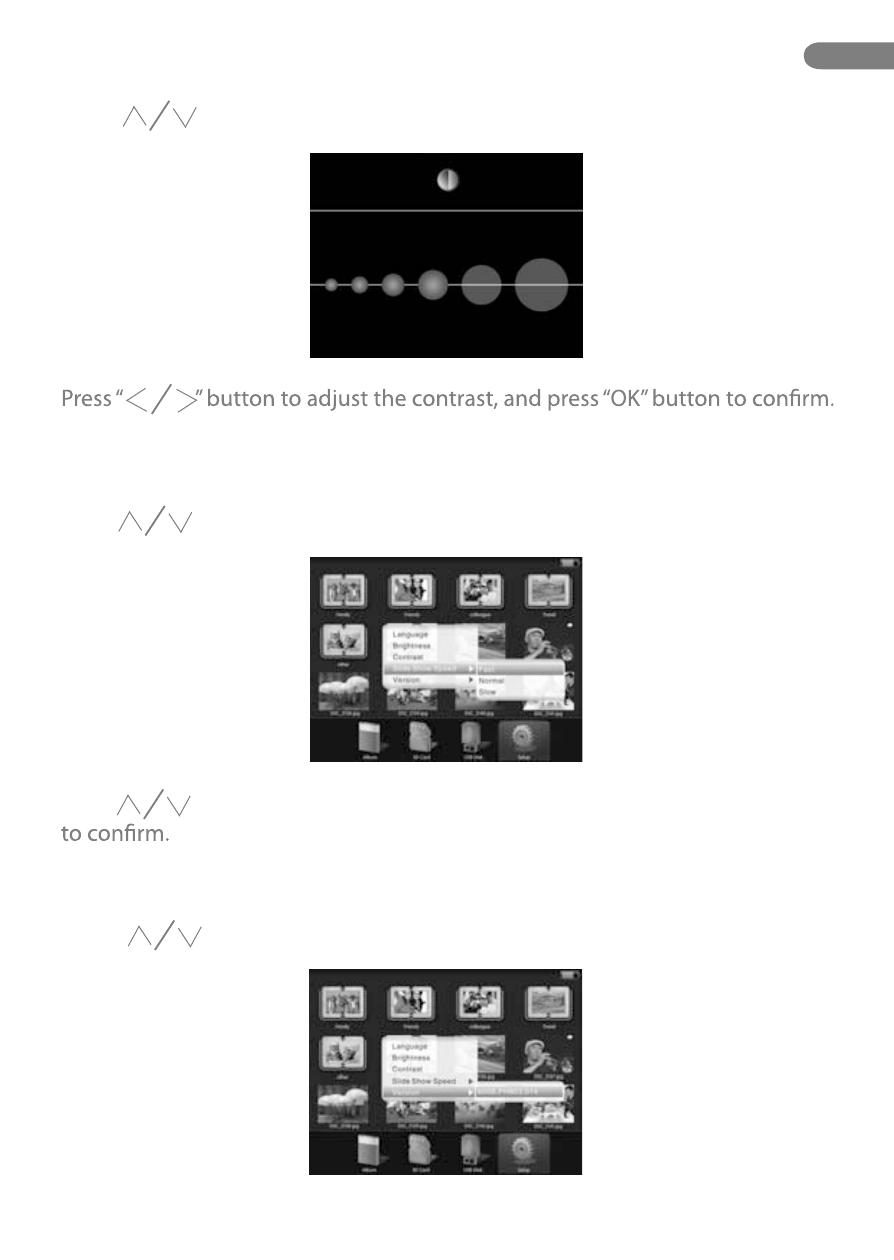
Contrast Setting
Slideshow Speed
Version
Press “ ” button to select “Contrast” option, and press “OK” button to display
the contrast setup.
Press “ ” button to select “Slideshow speed” option, and press “OK” button
to display the menu.
Press “ ” button to select “Fast” , “Normal” or “Slow”, and press “OK” button
Press “ ” button to select “Version” option, and press “OK” button to check
the version.
EN
25.
Advertising