Select source of photo 4. browse photo – Lenco DPA-800 Benutzerhandbuch
Seite 12
Advertising
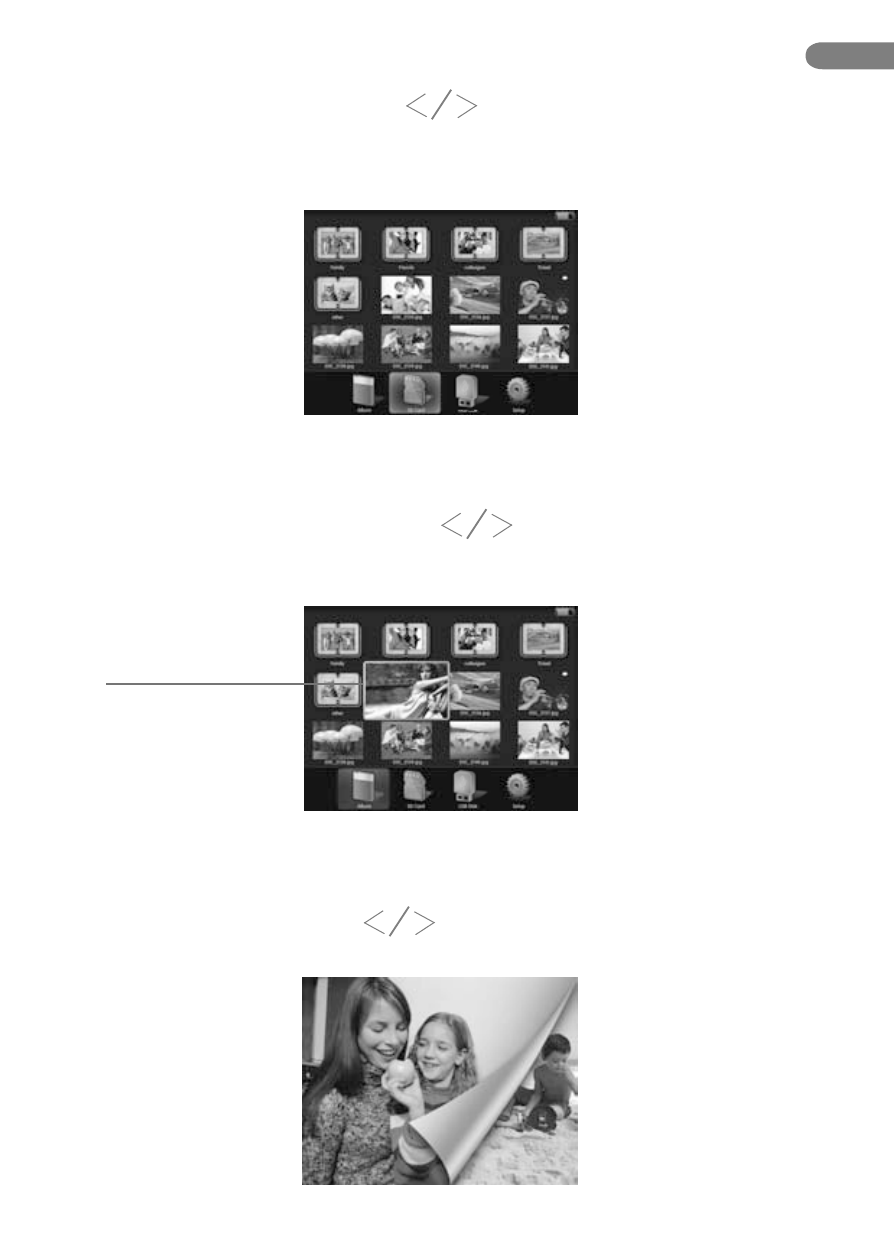
3. Select Source Of Photo
4. Browse Photo
Enter into main display, press “ ” button to select the source of photo
from“Photo Alum” ,“Memory Card” or “USB Device” (pitch on with bright blue),
then press “OK” button to enter.
Enter into source of photo, press “ ” button to select photo.
Selected picture enlarged
Press “OK” button after selecting photo to zoom in with full screen or enter
into browse mode. Press “ ” button to take view from the previous
and next photo.
EN
12.
Advertising