Dolby Laboratories DVD & MP3 Benutzerhandbuch
Seite 24
DVD PLAYER SETUP
24
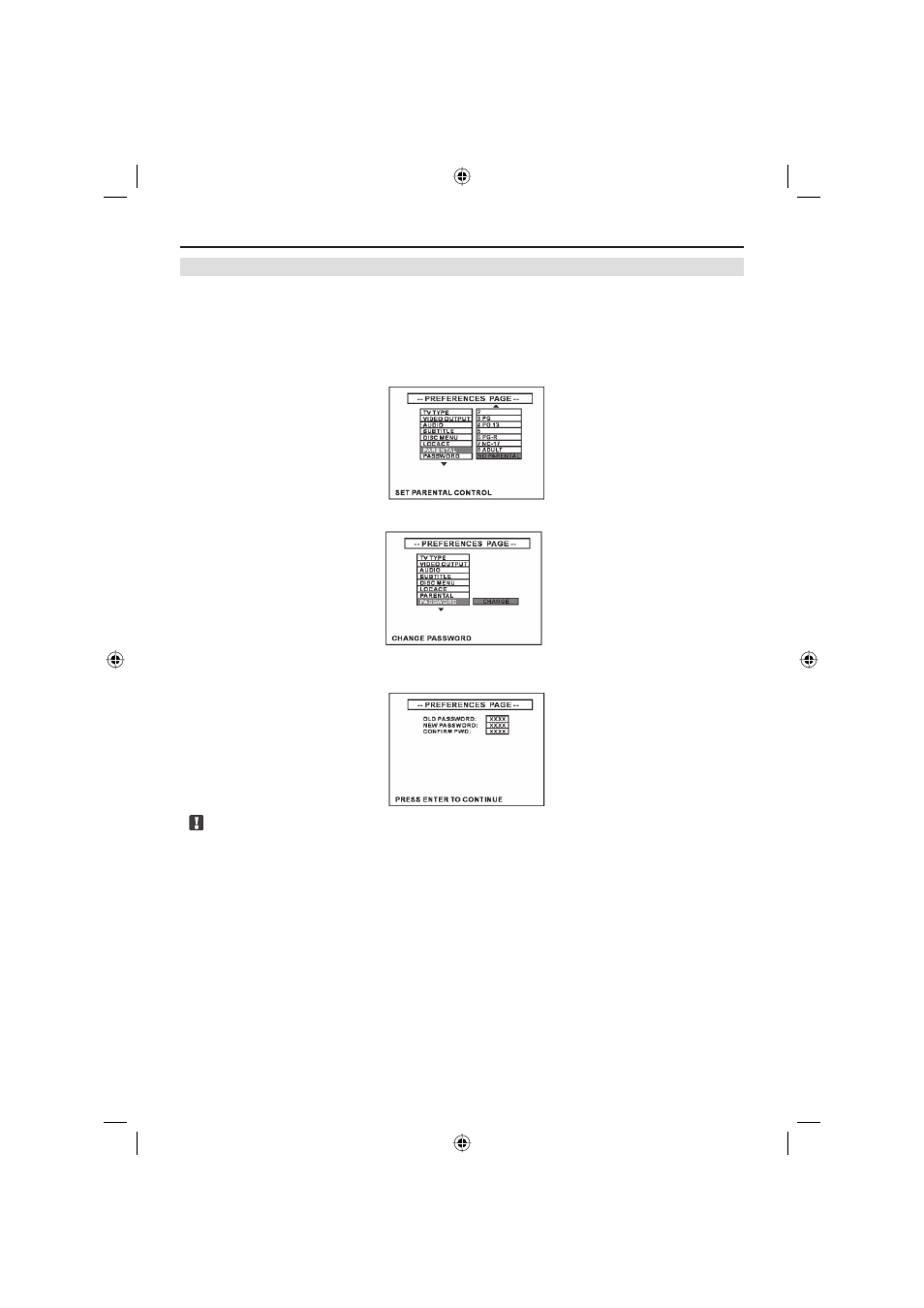
SET PARENTAL LOCK & PASSWORD
■ Some DVDs let you use the parental lock function to restrict viewing of violent and adult
oriented scenes by children. You can set the parental lock level in eight different steps as
desired.
■ Select [PREFENCES SETUP], select [PARENTAL], select a suitable level and press
[ENTER] to confirm. This operation requests you to input a password.
The default pass-
word is 3308. For modifications of the password, refer to the next paragraph.
■ Select [PASSWORD], select [CHANGE] and press [ENTER] to confirm.
■ Firstly you must input the old password, and then input the new password, and input new
password again to confirm, finally press [ENTER] to finish this operation.
Note:
■ We recommend you to keep a written record of your new password!
ZE-200DVD Manual E+D_c.indd 24
ZE-200DVD Manual E+D_c.indd 24
26.05.2004 14:28:28 Uhr
26.05.2004 14:28:28 Uhr