Handling and operation, Gb cy – Crivit CEB 1400 A1 Benutzerhandbuch
Seite 13
9
CEB 1400 A1
GB
CY
Handling and operation
In this section you receive important information for the handling
and operation of the appliance.
Switching the insoles on / off /
selecting the heat setting
♦
Place the trimmed insoles
in your shoes with the printed
side down and run the cable upward along the heel.
♦
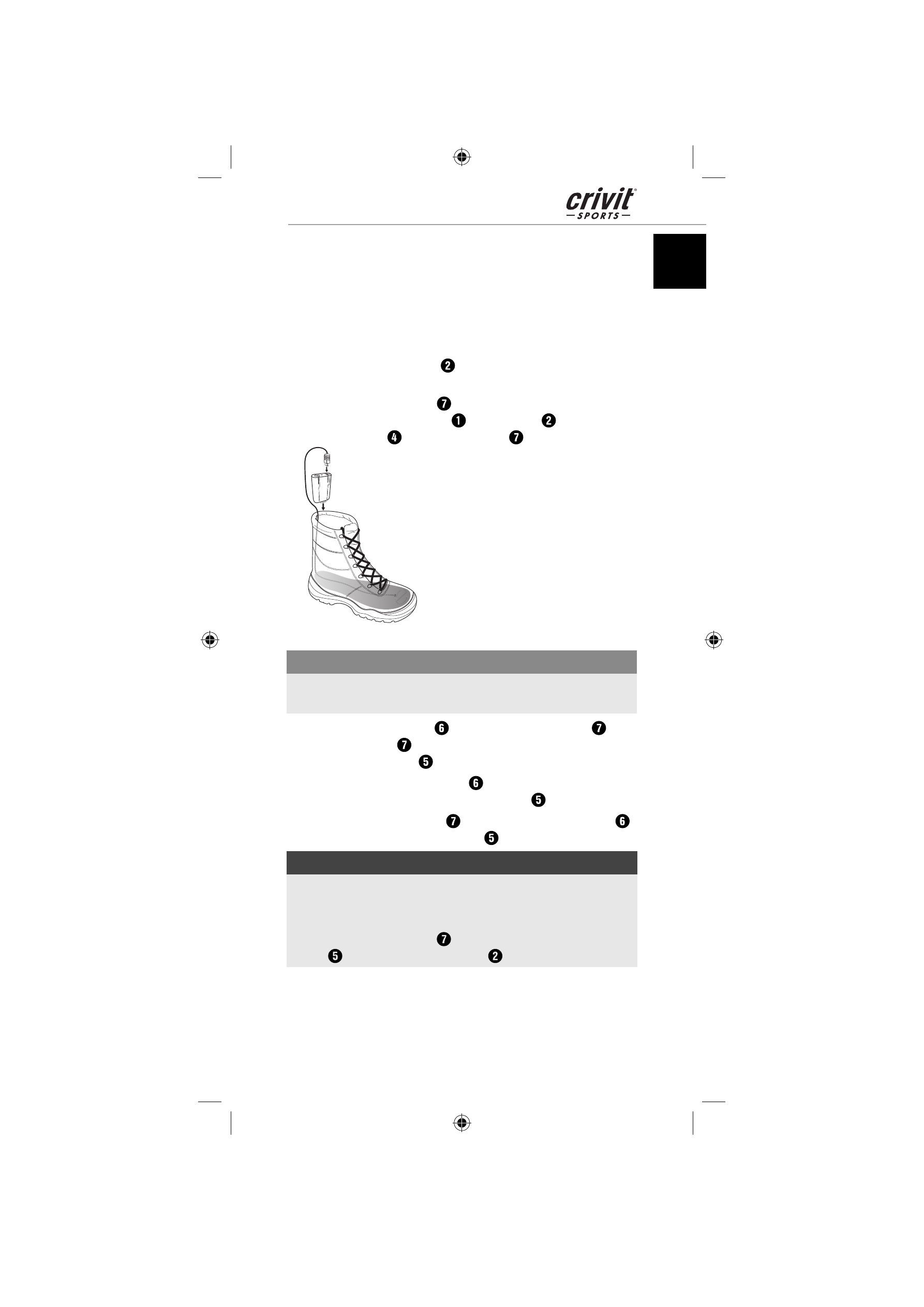
Attach the battery packs
using the straps to your shoes and
connect the connector plug
of the insoles
with the con-
nection sockets
of the battery pack
(see Figure 1).
Fig. 1
IMPORTANT
►
When wearing low shoes, tuck the excess cable into your
socks. The cable must not drag on the ground while walking!
♦
Press the function switch
to switch the battery pack
on.
The battery pack
switches itself on with the heat level I and
the function indicator
glows green.
♦
By pressing the function switch
once again, the heat level II
can be switched on. The function indicator
glows red.
♦
To switch the battery pack
off , press the function switch
once more. The function indicator
goes out.
NOTE
►
For quick warming, it is recommended to initially select the
the heat level II. It can later, if necessary, be turned down to
the lower heating level.
►
When the battery pack
is discharged, the function indica-
tor
switches off and the insole
is no longer heated.
IB_100082_CEB1400A1_LB7.indb 9
IB_100082_CEB1400A1_LB7.indb 9
20.06.14 14:26
20.06.14 14:26